Japanese Comic Translator: Your Browser-Based Manga Translation Solution
================================================
Looking for a practical way to translate Japanese comics and manga without installing desktop software? MangaTranslate provides a web-based workflow for both casual readers and translation enthusiasts. This guide walks through its core features and how to get clean results.
Why Choose MangaTranslate?
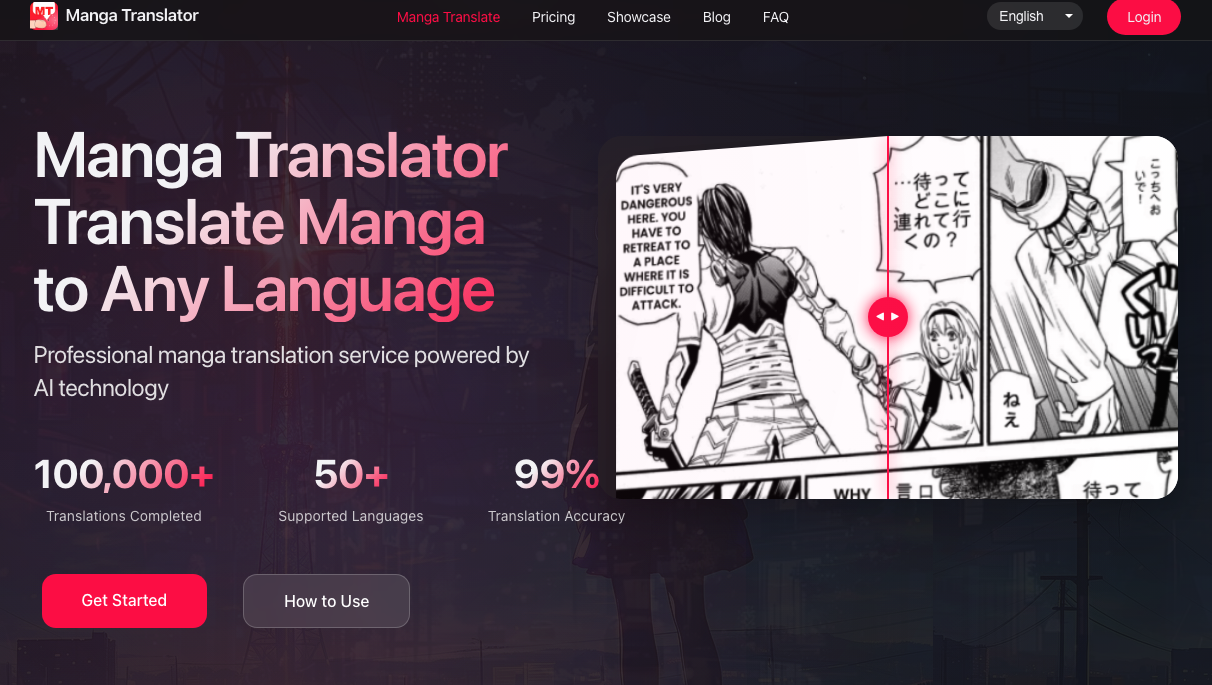
MangaTranslate stands out with these key features: - Web-based with zero software installation - Accurate Japanese text detection for vertical and horizontal layouts - Context-aware AI translation with custom translation prompts - Batch uploads for images, PDF, ZIP, TAR, and TAR.GZ archives - Built-in online typesetting editor for dialogue, text boxes, and custom fonts - Clean ZIP and PDF export preserving original artwork quality - 100+ target languages, plus 5 free daily credits (no signup required) and daily check-in credits
Translating Japanese Comics
Step 1: Choose Your Language
- Source Language: Japanese (or other comic languages)
- Target Language (100+ supported): a. English b. Chinese c. Korean d. Spanish e. Arabic, French, German, Portuguese, Russian, and many more
Step 2: Upload Your Comic
Multiple upload options available: - Direct file upload from your device - Drag-and-drop into the browser - Batch processing for multi-page chapters and archives
Supported formats: - Images: JPG, PNG, WEBP - PDF documents - Compressed archives: ZIP, TAR, TAR.GZ - Clean scanned pages and digital comic exports
Step 3: Translate, Polish, and Export
The translation pipeline handles the heavy lifting automatically: 1. Automatic speech bubble and text detection 2. AI-powered translation guided by your optional custom prompts 3. Automatic text placement inside speech bubbles 4. Manual polish in the built-in online typesetting editor, followed by ZIP or PDF export
Advanced Features
Text Detection Technology
- Accurate Japanese character recognition
- Support for vertical and horizontal text
- Handling of varied comic fonts and styles
- Speech bubble and caption detection
Translation Quality
- Context-aware translation across 100+ target languages
- Custom translation prompts for character names, glossaries, and tone
- Better handling of manga-specific terms and cultural references
- Onomatopoeia and narration support
Online Typesetting Editor & Export
- High-resolution output preserving original artwork
- Edit dialogue directly on the page
- Move, resize, and adjust text boxes cleanly
- Choose custom fonts for dialogue, narration, and emphasis
- Export completed chapters as ZIP or PDF
Best Practices for Using the Translator
- Prepare Your Files
- Use clear, high-resolution scans or digital pages
- Ensure text has good contrast and legibility
- Package multi-page chapters as PDF, ZIP, TAR, or TAR.GZ for convenient batch upload
-
Check that pages are ordered properly before uploading
-
Optimize Translation Settings
- Choose the right source and target language pair
- Add custom translation prompts for character names, honorifics, or preferred style
- Select preferred font options
-
Review text box placement in the online editor
-
Review and Edit
- Check translation accuracy and character consistency
- Adjust line breaks and text box positions where needed
- Verify natural reading flow in the target language
- Export to ZIP or PDF once everything looks right
How to Get Better Results
Tips on Image Quality
- High-resolution scans
- Proper contrast
- Clean source images
- Minimal compression artifacts or noise
Tips on Translation
- Review context accuracy alongside the artwork
- Check cultural references and wordplay
- Keep character and place names consistent with custom prompts
- Maintain a steady tone across chapters
Common Applications
MangaTranslate is useful for: - Manga readers exploring titles not yet officially translated into their language - Translation enthusiasts creating quick first drafts before manual polishing - Language learners reading raw Japanese comics alongside translations - Creators and editors reviewing multi-language layouts
Technical Details
Supported File Formats
- Images: PNG, JPEG, WEBP
- Documents: PDF
- Archive files: ZIP, TAR, TAR.GZ
- Export formats: ZIP and PDF
Workflow & Access
- Batch upload and processing for multi-page chapters
- 100+ target languages supported
- Built-in browser typesetting editor (dialogue, text boxes, custom fonts)
- 5 free daily credits with no signup required, plus daily check-in credits for signed-in users
Conclusion
A good Japanese comic translator balances speed, readability, and control over the final page. Whether you are reading casually or polishing a chapter with custom prompts and fonts, MangaTranslate gives you an all-in-one browser workflow without any installation.
Try MangaTranslate today with 5 free daily credits and enjoy Japanese comics in your preferred language in just a few clicks.
Happy translating!